How to Recreate Any Image Style Without Copying the Image
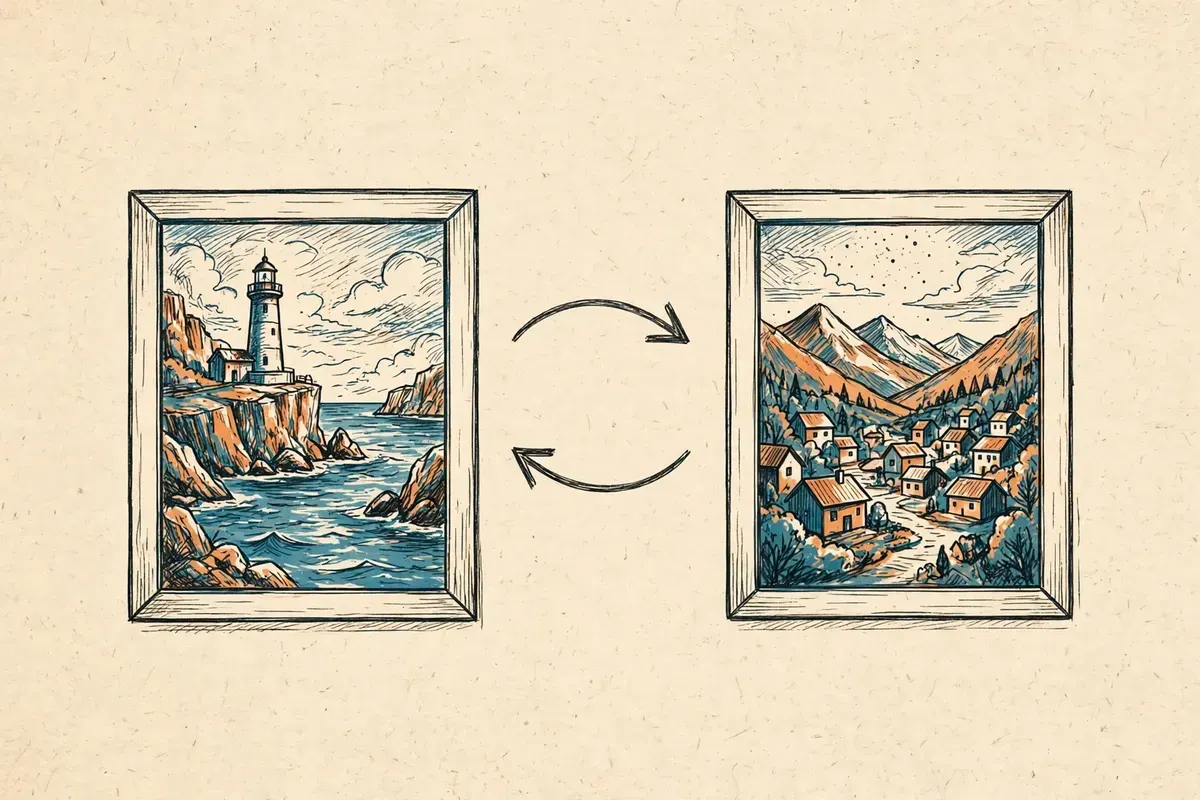
"Make me this exact image" is the request that gets creators in trouble — and, ironically, it also produces worse results than working from style. Here is the method this blog teaches instead, and the lines we never cross.
Describe, don't trace
Run the reference through the five observations (subject, setting, style, light, lens, mood). What you now hold is a description of a look — and looks, genres and techniques are free for everyone to use. "Chiaroscuro side light" belongs to no one.
Change two elements, minimum
Before generating, deliberately change at least two of the five layers: different subject, different season, different color palette, different setting. Two changes is the practical threshold where "inspired by" becomes visibly its own work — and creatively, it is where interesting accidents start happening.
Never do this
- Prompting with a living artist's name to imitate their signature style for commercial work.
- Feeding someone's photo into an image-to-image tool at high similarity and selling the output as yours.
- Recreating a recognizable character, logo or branded product shot.
- Using a real person's photo as a character reference without their consent.
What professionals actually do
Art directors have built mood boards for a century: collect references, extract the shared structure, brief something new. Image-to-prompt is the same craft with a new tool. Your taste — which references you pick and which two elements you change — is the original contribution. The generator at the top of this page is built around exactly this: it has no "copy this photo" button, only ingredients.