How to Turn Any Photo Into a Midjourney Prompt in 5 Minutes
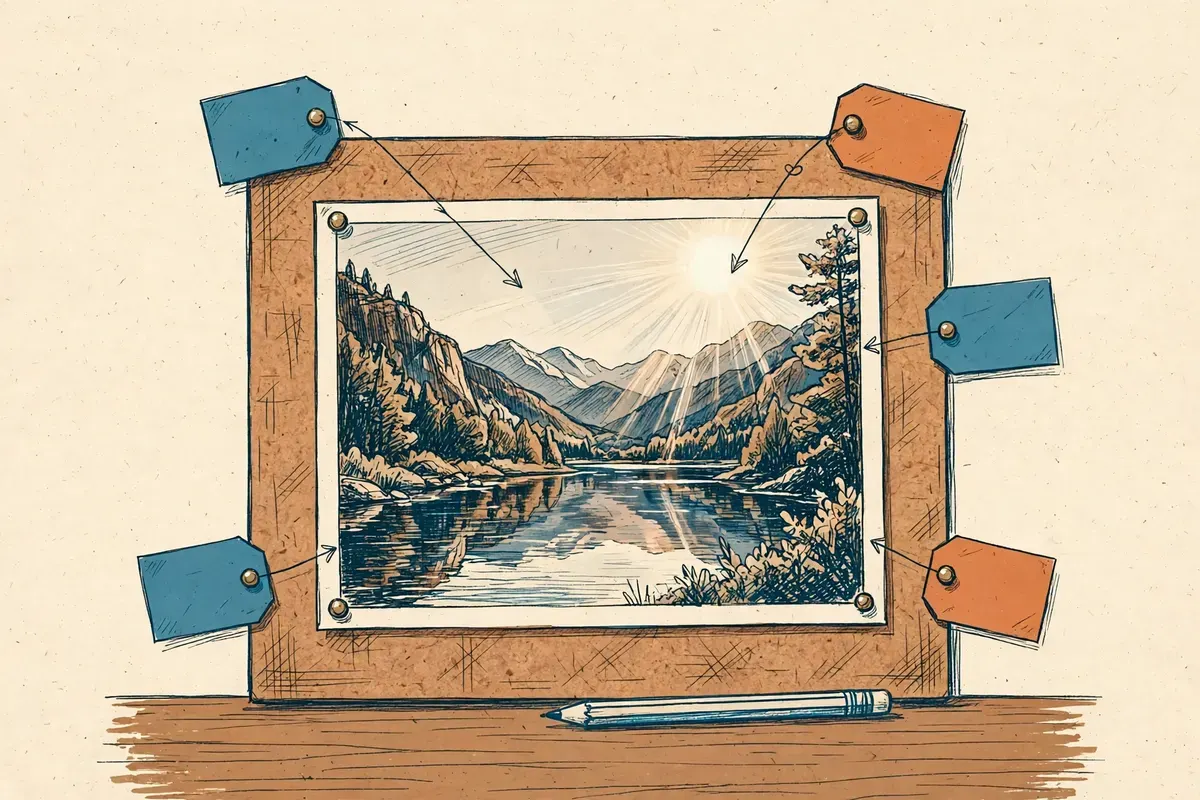
You find a photo you love — a cabin, a portrait, a product shot — and you want "something like that" from Midjourney. Typing a vague description gets you 40 random generations. The fix is to stop describing the feeling and start extracting the photo's structure. Five observations, five minutes.
Step 1 — Subject and action (30 seconds)
Name the main subject and what it is doing, in plain words. Not "a nice cabin scene" but "a small wooden cabin with lit windows, sitting on a rocky hillside". One subject, one verb. If the photo has a person, note age range, clothing and pose — generators respond to concrete nouns, not adjectives like "beautiful".
Step 2 — Setting and background
What surrounds the subject? "Pine forest, dramatic mountain peaks behind, warm sunset clouds." Background words control half the final image, and they are the part beginners forget — which is why their generations look empty.
Step 3 — Light: direction, color, time
Light is the single biggest style lever. Ask three questions: Where does it come from (side, front, behind)? What color is it (golden, blue, neon)? How hard is it (soft and diffused, or sharp with deep shadows)? "Golden hour side light, long shadows" will do more for your result than any quality tag.
Step 4 — Lens and distance
Was the photo taken close or far? Wide or tight? A phone snapshot and an 85mm portrait of the same person produce completely different prompts. Use: wide angle, deep depth of field for landscapes, 85mm, shallow depth of field, bokeh for portraits, macro close-up for products and textures.
Step 5 — Mood in two words
End with the emotional temperature: "cozy, peaceful" / "bold, energetic" / "dark, cinematic". Two words, no more — long mood lists dilute each other.
Assemble it — the worked example
That prompt was built from the photo in this blog's header illustration, using exactly the five steps. Compare it with what "a cabin in the mountains" produces and you will never go back.
The rule that keeps it legal and original
You are extracting structure — subject, light, composition — not tracing the photo. Change at least two of the five elements (a different season, a different setting, a different subject color) and the result is unmistakably your own creation, inspired by a look, not a copy of an image.
Try it now: the generator at the top of this page is these five steps turned into a form.