From Phone Photo to Pro Product Shot: A Prompt Workflow for Sellers
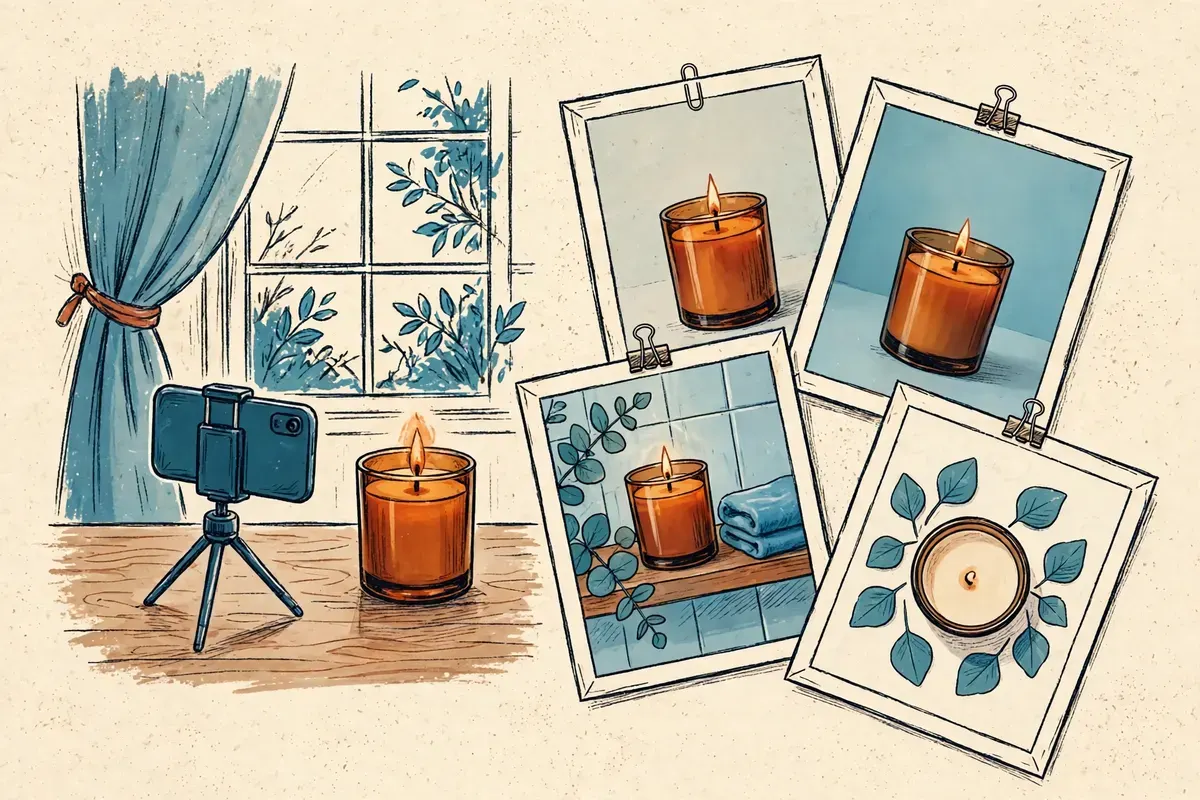
Product photography is the tax every Etsy and Shopify seller pays: studio days, props, retakes. The image-to-prompt workflow cuts it to one honest phone photo of your real product — which stays the source of truth — plus generated scenes around it.
Step 1 — One good reference photo
Daylight by a window, plain background, product centered, no filter. This photo does two jobs: it is your --cref-style reference for shape and color accuracy, and it is the listing's "real item" proof shot. Buyers trust listings that include one unmistakably real photo.
Step 2 — Describe it into a base prompt
Run the photo through the five observations. For a handmade candle that might be:
Step 3 — Generate the three shots every listing needs
- Studio hero: swap the setting to "seamless warm-white background, clean studio lighting, centered composition, lots of negative space".
- Lifestyle: "on a bathroom shelf beside eucalyptus sprigs and a folded linen towel, morning spa light".
- Flat-lay: "top-down flat lay with coffee beans and dried flowers scattered, soft shadows".
Step 4 — Accuracy check (do not skip)
Compare every generation against the real photo: label text, proportions, color. AI scenes are for context; if the product itself mutates — wrong label, extra wick — regenerate or use the scene as a background and composite your real product photo on top. Marketplaces penalize listings whose images misrepresent the item, and buyers return them.
The honest, converting mix
Listings that convert use both: generated lifestyle scenes to sell the feeling, the real phone photo to prove the item. Our Seller Shot Kit pack contains 80 of these scene prompts organized by product type — but the four steps above are the whole method, free.