Midjourney --cref and --sref Explained: Consistent Characters and Styles
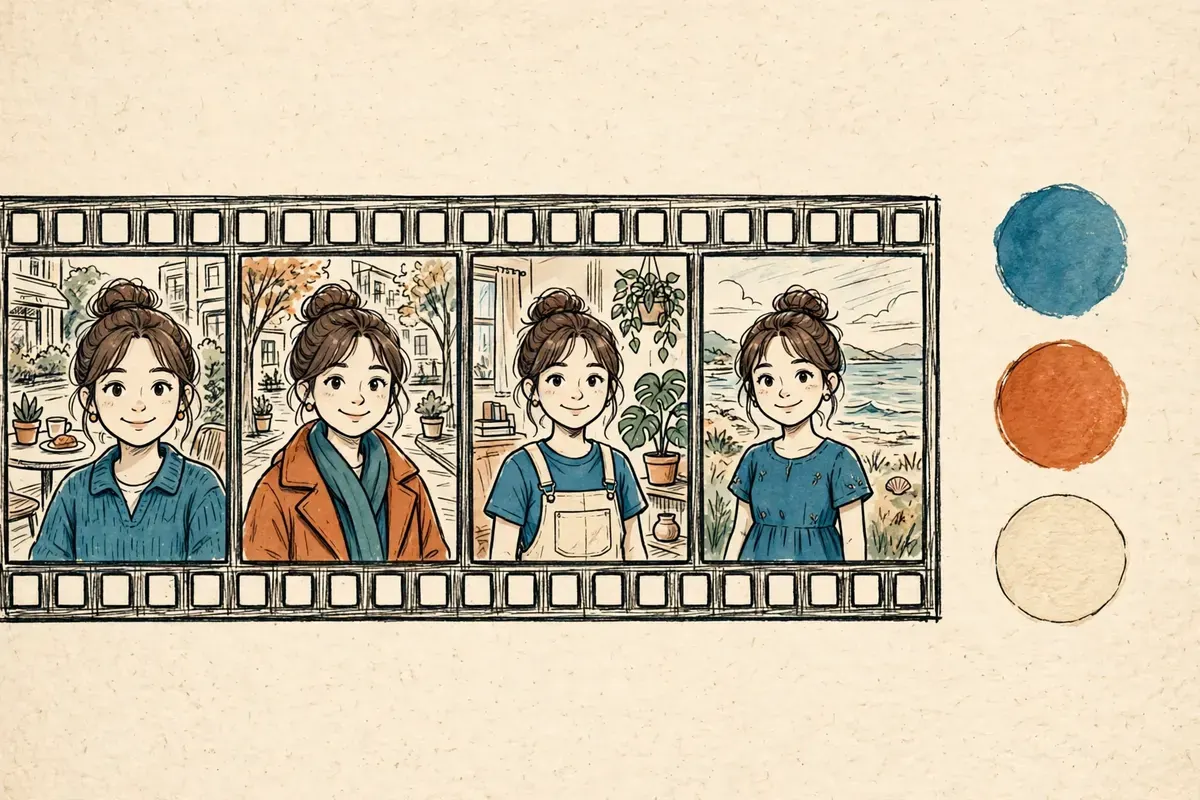
Two Midjourney parameters do most of the heavy lifting in professional workflows — and most users mix them up. --cref locks who is in the image. --sref locks how the image looks.
--cref: character reference
Generate or upload one good portrait of your character, copy its image URL, and append it to any new prompt:
--cw (character weight) runs 0–100. At 100, face, hair and outfit all carry over; at 0, only the face. For "same person, new outfit and scene", 50–80 is the working range. Use a clean, front-facing, well-lit reference — --cref faithfully reproduces bad lighting too.
--sref: style reference
Feed Midjourney an image whose look you want — or one of the numeric style codes from the community — and every generation inherits its palette, texture and rendering style, whatever the subject:
--sw (style weight) runs 0–1000; 100 is subtle, 250–400 is the productive zone, 1000 overwhelms your prompt. This is the legal, practical version of "make it look like that picture": the style transfers, the content is yours.
Combining them: a full series workflow
- Generate your hero character once; save the image as your --cref master.
- Pick one --sref code for the whole project (our Style Codes pack collects 120, screenshotted).
- Every new scene = new subject prompt + same --cref + same --sref. Result: a coherent series that looks art-directed, because it was.
Troubleshooting
Face drifting? Raise --cw and use a closer-cropped reference. Style too weak? Raise --sw before rewriting the prompt. Weird artifacts? Your reference image itself contains them — references amplify everything, including flaws.